
Match a Wall Colour Online
Upload a photo of your wall, pick a surface tone, or sample live from your screen with our precision loupe eyedropper. We compute the closest Charow paint shades using CIEDE2000 colour difference analysis.
Sample From Wall Photo
Hover over the wall to inspect surface pixels with the magnified loupe. Click anywhere to lock your shade.
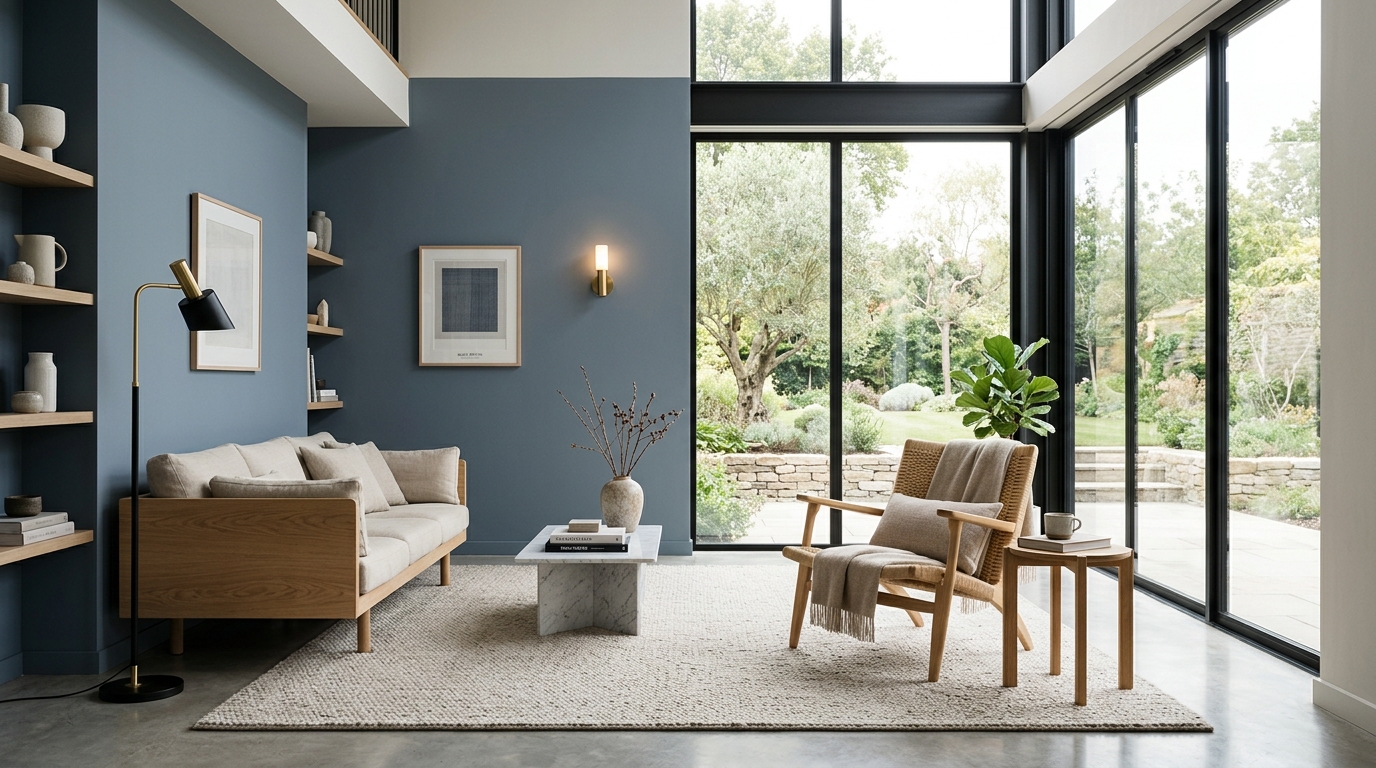
CIEDE2000 Delta-E Standard
Our matcher calculates colour distance in CIELAB using the ISO-standard CIEDE2000 formula, accounting for how the eye perceives hue and lightness differences.
Best Photo Results
Photograph walls in indirect natural daylight without flash. Avoid glare and deep shadows for an accurate surface sample.
Explore Harmonies
Once you find a shade, open it in the 24×5 Colour Wheel to explore complementary colours and coordinating trims.
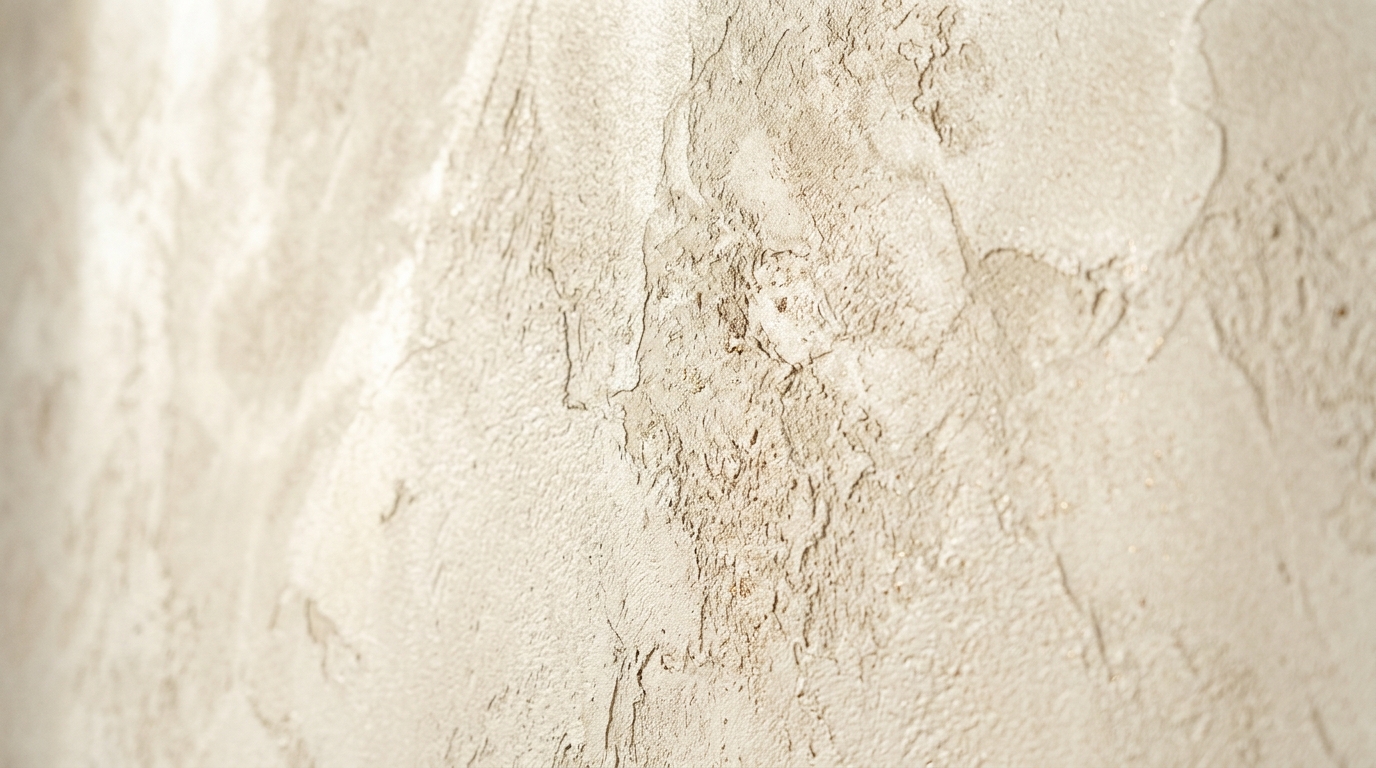
How to Match Wall Colours in Three Steps
1. Upload or Select a Photo
Take a clear photograph of your wall in natural indirect daylight without camera flash, or choose from our curated room presets.
2. Sample Surface Pixels
Move your cursor or finger across the wall image to inspect individual pixels with the high-precision optical loupe and select the exact tone.
3. Explore Matches & Quantities
Review the nearest matching Charow shades ranked by CIEDE2000 perceptual difference, then inspect on the colour wheel or estimate paint volume.
Important Digital Matching Limitations
Digital colour matches are approximate guides rather than physical guarantees. Device screens emit light in sRGB while paint reflects ambient light on plaster, brick, or masonry. Ambient light conditions, shadows, and camera white balance affect digital sampling. We strongly advise confirming your chosen shade with physical Charow swatches or sample tins on your actual wall before commencing full application.
Frequently Asked Questions About Colour Matching
Can a photo give an exact paint colour match?
A photo provides a close starting estimate, but cannot guarantee an exact 100% physical paint match due to camera sensor variations, shadows, and device screen calibration.
Why does the colour look different on my screen?
Screens emit light in RGB, whereas paint absorbs and reflects light on a textured surface. Display brightness, night mode filters, and viewing angles also alter appearance.
How do I use the matched shade?
Once you identify your closest shade, note down the colour name and code, then explore coordinating palettes on our Colour Wheel or send the code to Charow on WhatsApp for sample verification.
Should I test a sample before painting a whole wall?
Yes. Always test a small sample tin or physical swatch on the actual wall in both morning and afternoon light before painting the entire room.